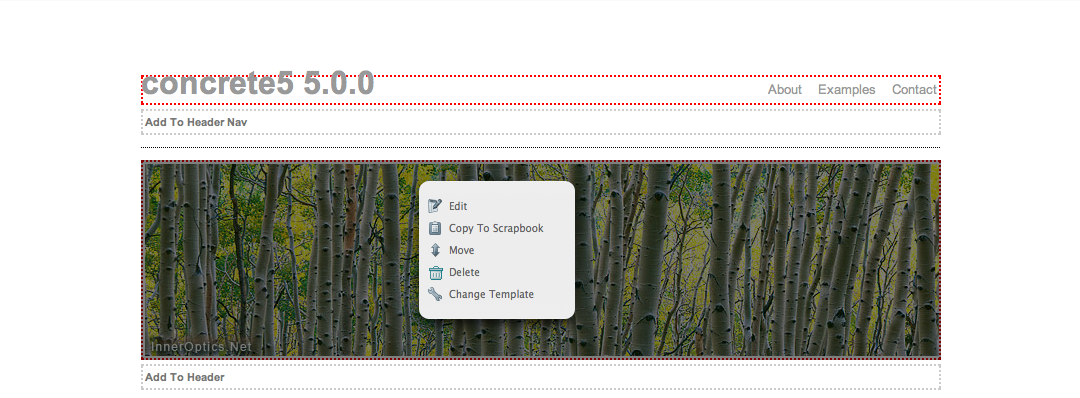
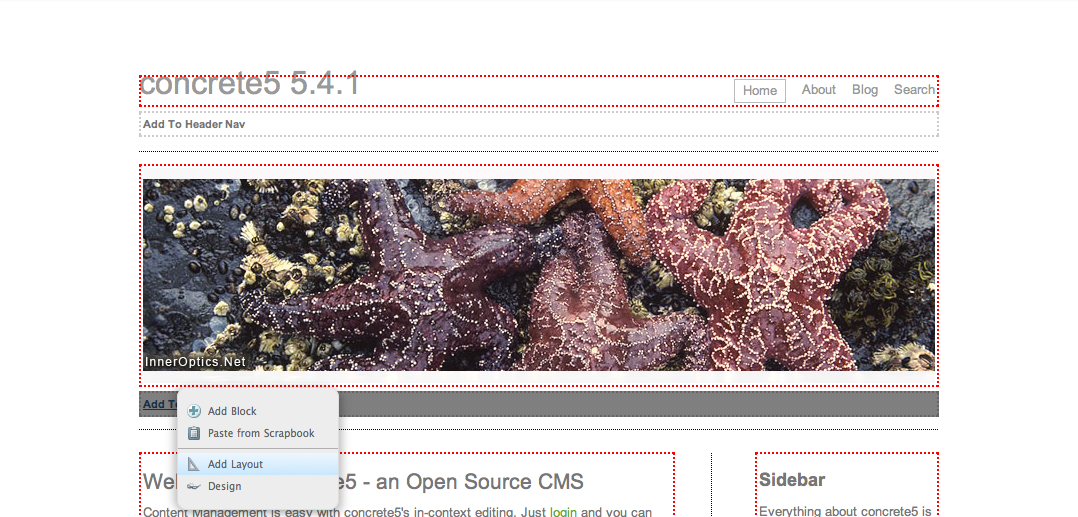
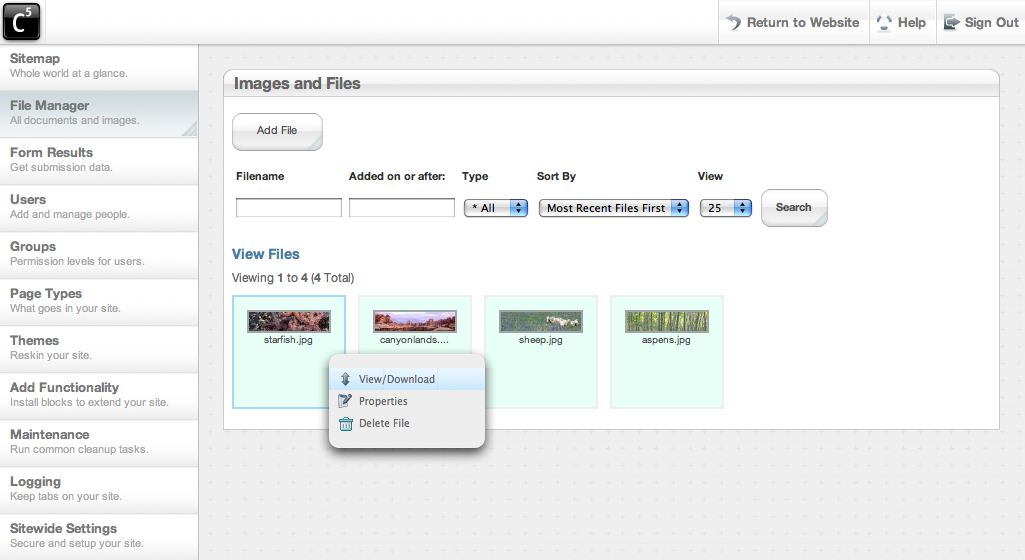
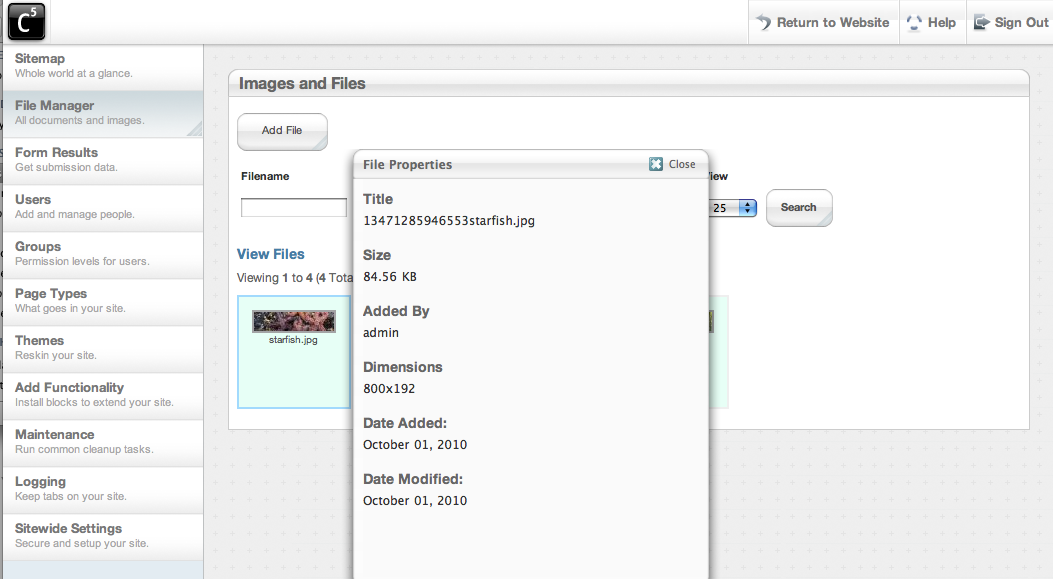
On September 30, 2008, concrete5 version 1.0 was officially released. Since we were exhibiting at OSCON that year in August, we had a few release candidates and some beta versions available beforehand, but this was our first public, committed, upgrade-ready version, just in time for concrete5 to be named SourceForge's Project of the Month for October, 2008.
That was a great honor. I started thinking, though: how many people checked out concrete5 when it was PotM, decided it might not fit their needs, and never looked back? And how many users of version 4 have never seen some of the more humble roots of concrete5? It's with that in mind that I mark this two-year anniversary with a screenshot and feature retrospective, comparing version 5.0.0 with the about-to-be-released 5.4.1. We've come a long way.
If your first exposure to concrete5 was in October of 2008, and you haven't checked us out since, you might want to see what you're missing.
Screenshots
Page through the gallery below to see some before and after pictures, including pictures from version 4.1 of concrete5 of features that didn't exist in any form two years ago.
Title
5.0.0 - Installation
Description
Minimal and clean, the 5.0.0 installation routine took a long time to get right. Still, we would improve it by making it check your system for compatibility.
Title
5.4.1 - Installation
Description
The installation screen in concrete5.4.1 checks your system for compatibility, offering tips and instructions on how to rectify any problems (Also note: we no longer ask you for the base URL of your site, and you can choose to install sample content or not.)
Title
5.0.0 - User Search
Title
5.4.1 - User Search
Title
5.4.1 - Theme Preview
Description
concrete5 now has the ability to preview your site in any of themes installed (but not activated) on your website. This even extends to certain themes available for download from the marketplace.
Title
5.4.1 - Theme Customization (1/2)
Description
Starting in 5.2, we offered theme developers the ability to make certain style elements in their themes' stylesheets editable through the concrete5 interface. This was a completely optional feature - theme developers were free to support or not. Many downloadable concrete5 themes make use of this feature to allow extra customization without editing code at all.
Title
5.4.1 - Theme Customization (2/2)
Description
Starting in 5.2, we offered theme developers the ability to make certain style elements in their themes' stylesheets editable through the concrete5 interface. This was a completely optional feature - theme developers were free to support or not. Many downloadable concrete5 themes make use of this feature to allow extra customization without editing code at all.
Description
The sitemap was one of concrete5's coolest features when it was first released - and it looks archaic and limited by comparison today.
Description
Version 4 of concrete5's sitemap includes a full tree view, a powerful attribute-based search view, and a flat view for paging through nodes of site content that have many, many child pages.
Title
5.0.0 - Settings - General
Title
5.4.1 - Settings - General
Description
The settings page has gained a lot of functionality over the years, including entries for site-wide caching/speed settings, favicon and tracking code support, new edit preferences, and more.
Title
5.0.0 - Settings - Debug/Developer
Title
5.4.1 - Settings - Debug/Developer
Title
5.4.1 - Settings - Email
Description
Version 4 of concrete5 introduced the ability to specify an external SMTP server for mail sending, and the ability to poll email accounts for incoming messages and act on them.
Description
Shortly after concrete5 was released, we added the ability to run jobs from a web interface, and a method by which they could be scheduled through cron or a similar scheduling service.
Title
5.4.1 - System - Backup
Description
Version 4 introduced the ability to export your site's database and download it, or reapply it.
Title
5.4.1 - System - Update
Description
Version 4 of concrete5 added the ability to check for concrete5 updates, download and apply them all from within the dashboard.
Title
5.4.1 - System - Notifications
Description
Version 4 of concrete5 added an area menu to control area layouts, area custom designs, and adding blocks.
Title
5.0.0 - File Manager - Search Files
Title
5.4.1 - File Manager - Search Files
Title
5.0.0 - File Manager - Add Files
Description
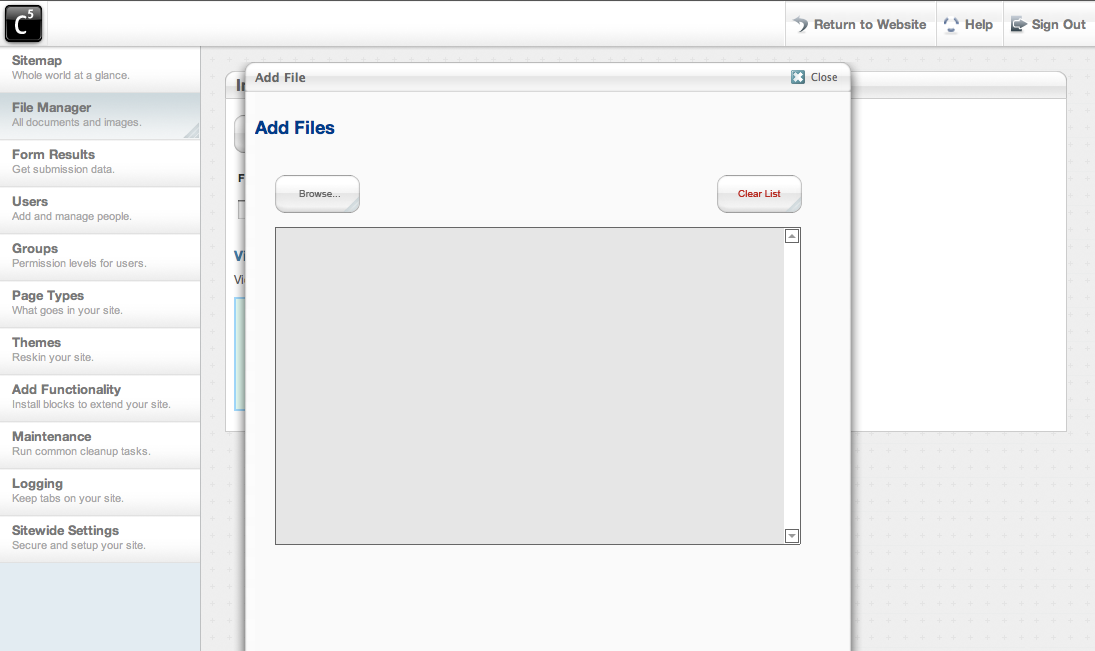
Our bare-bones, flash-based multiple file uploader from concrete 5.0.0.
Title
5.4.1 - File Manager - Add Files
Description
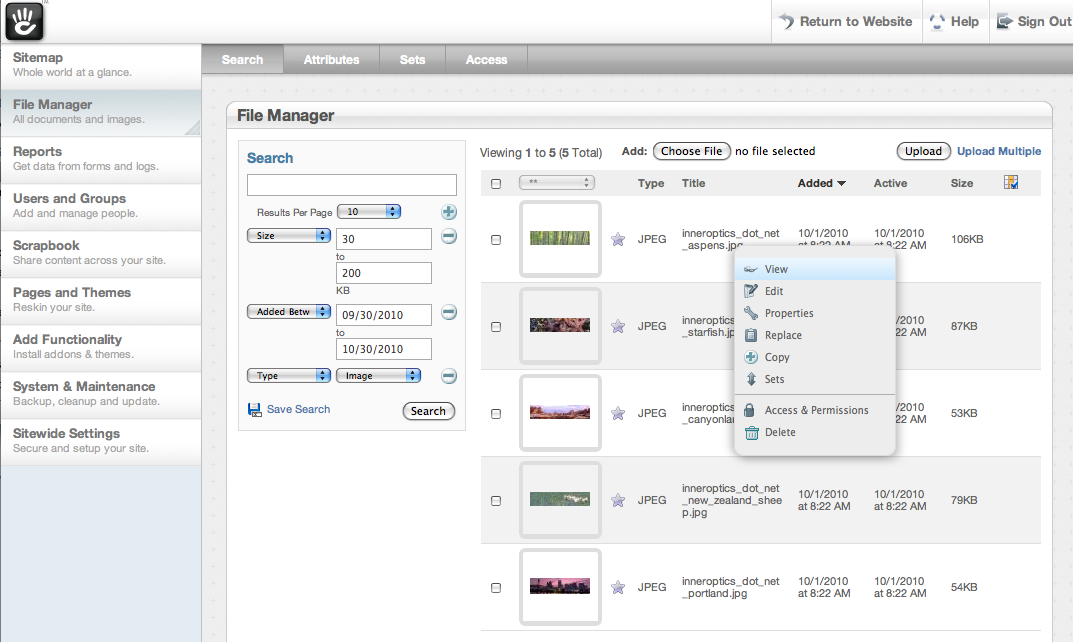
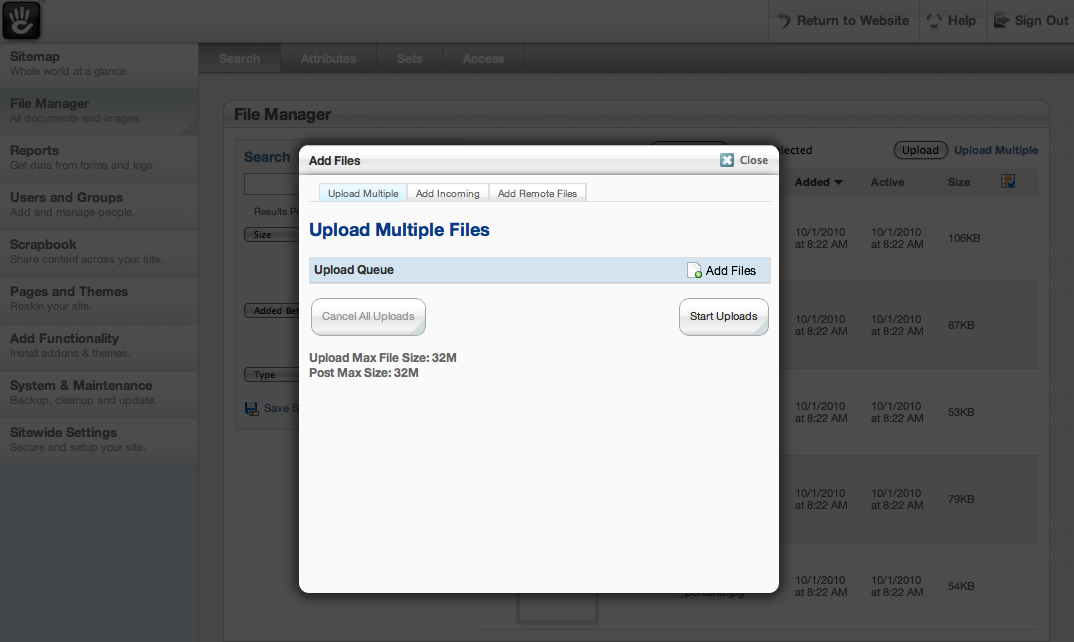
Version 3 added the ability to upload files with a simple, single HTML file input, add files from a special directory on your server, and add remote files available on the web from a URL.
Title
5.0.0 - File Manager - Properties
Description
When we first launched, our file manager displayed properties but none of them - including title, were even editable.
Title
5.4.1 - File Manager - Properties
Description
As of version 3, files in concrete5 have a large amount of metadata, including attributes that you or your concrete5 add-ons can create for their own purposes.
Title
5.4.1 - File Manager - Edit Image
Description
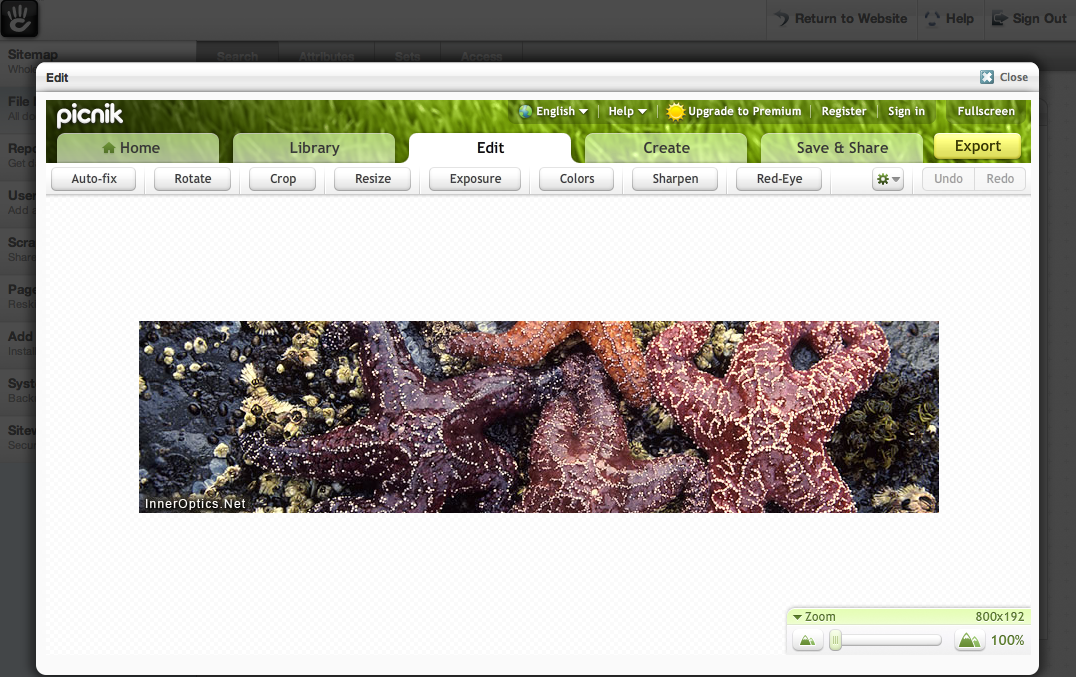
Our file manager rebuild in version 3 also integrates seamlessly with picnik.com, allow you to crop, resize, and transform your images directly from within your concrete5 site.
Title
5.4.1 - File Manager - Saved Search
Description
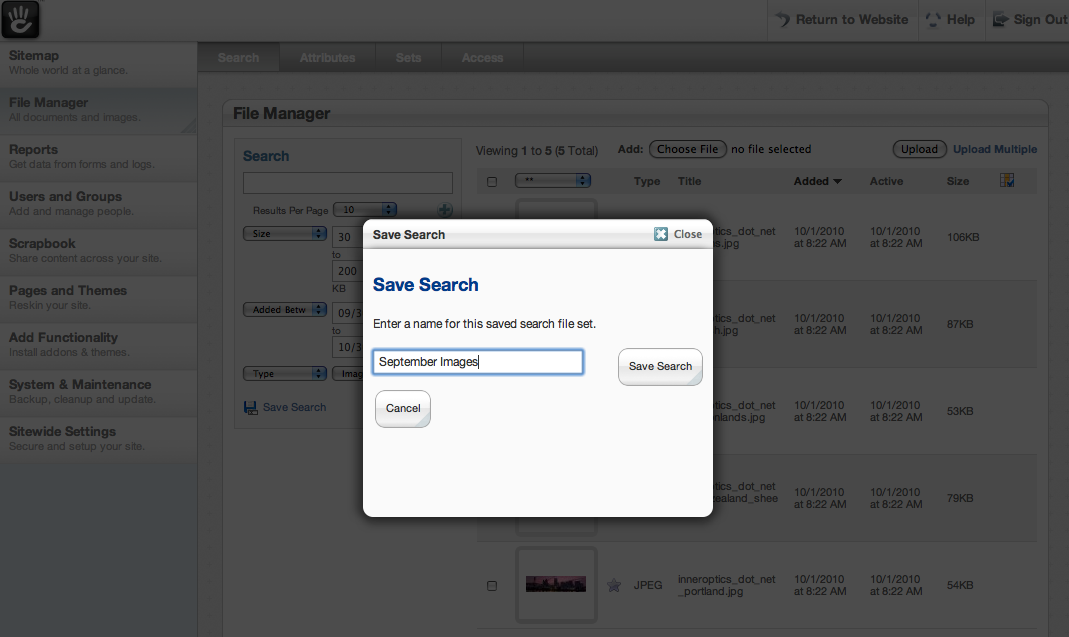
In version 4.1, we're introducing the ability to save any file search as a saved search. This can include any combination of keywords, advanced search fields, sortable columns and file sets.
Title
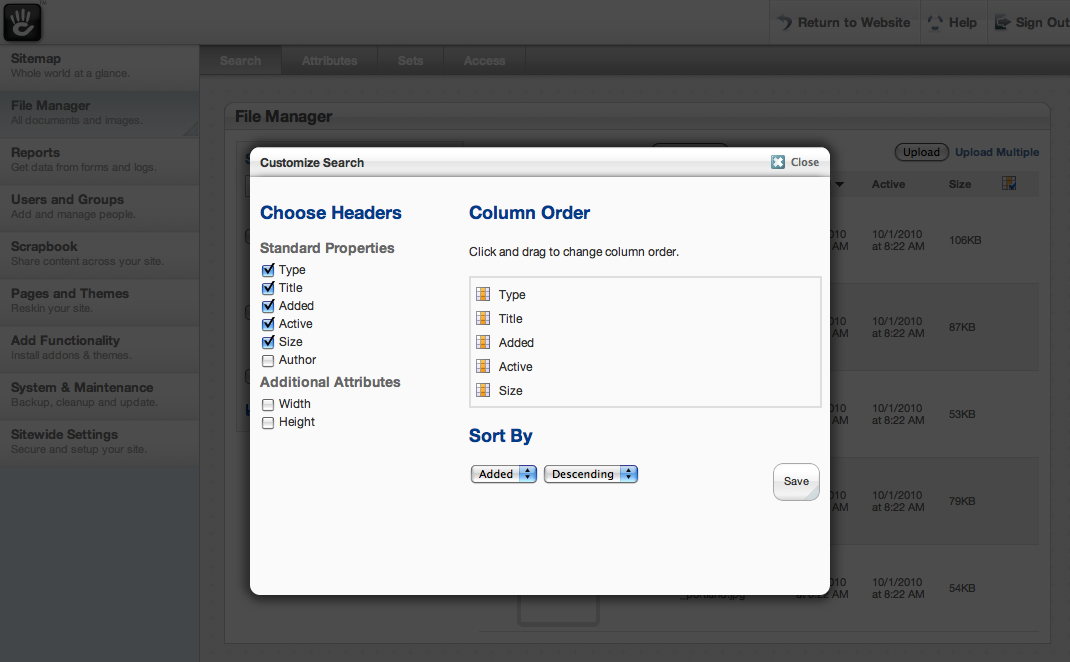
5.4.1 - File Manager - Choose Columns
Description
In version 4.1, we're introducing much greater flexibility to how we handle columns in the file manager, including the ability to specify all columns shown, sort them, and handle a default sort.
Title
5.4.1 - File Manager - File Sets
Title
5.4.1 - File Manager - File Access
Description
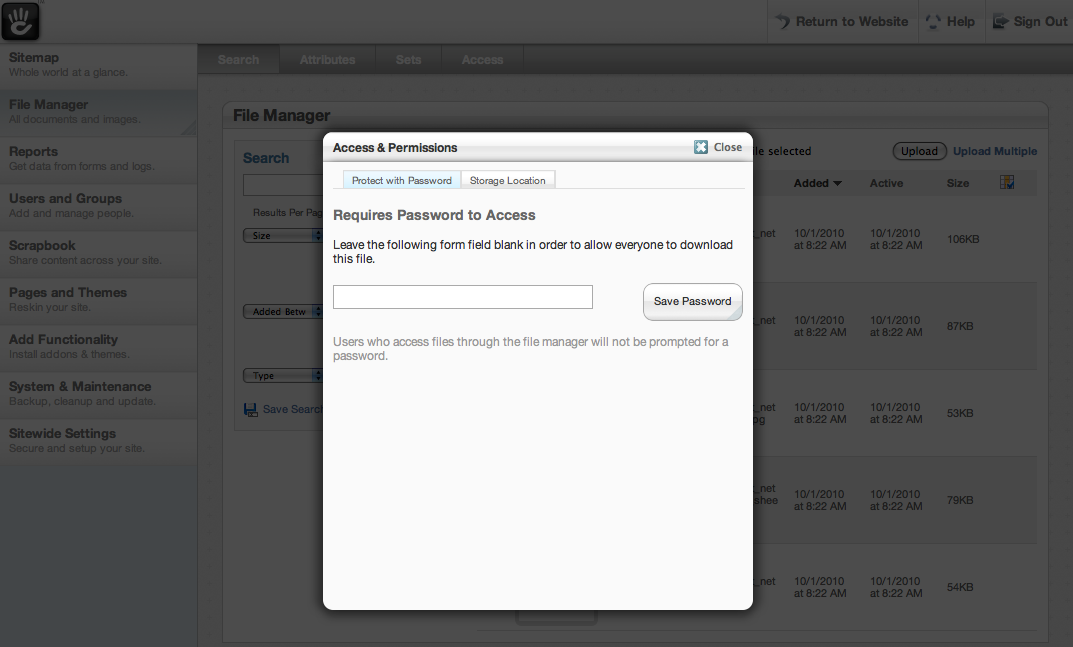
Also in our version 3 file manager rebuild? The ability to specify different storage locations (paths on your filesystem) for your files, and the ability to give files a password (in addition to complex group and user-based permissions, if advanced permissions are on.)
Title
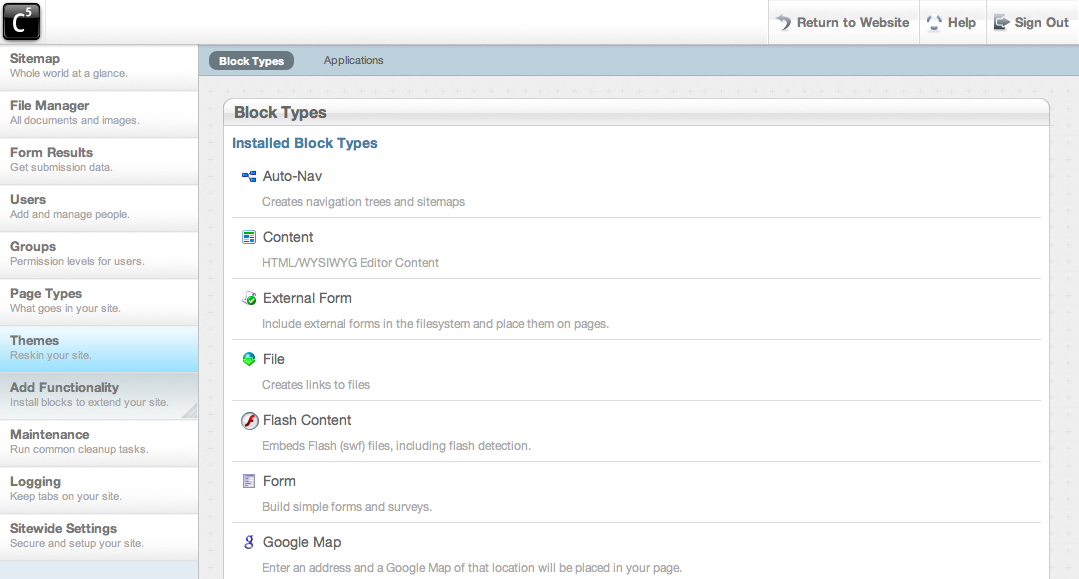
5.0.0 - Add Functionality
Title
5.4.1 - Add Functionality
Title
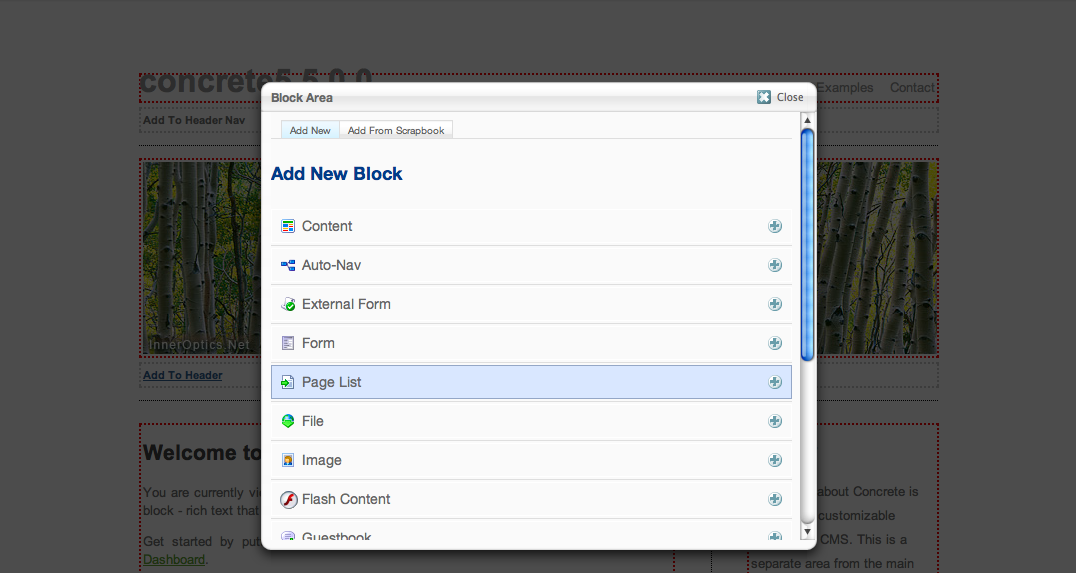
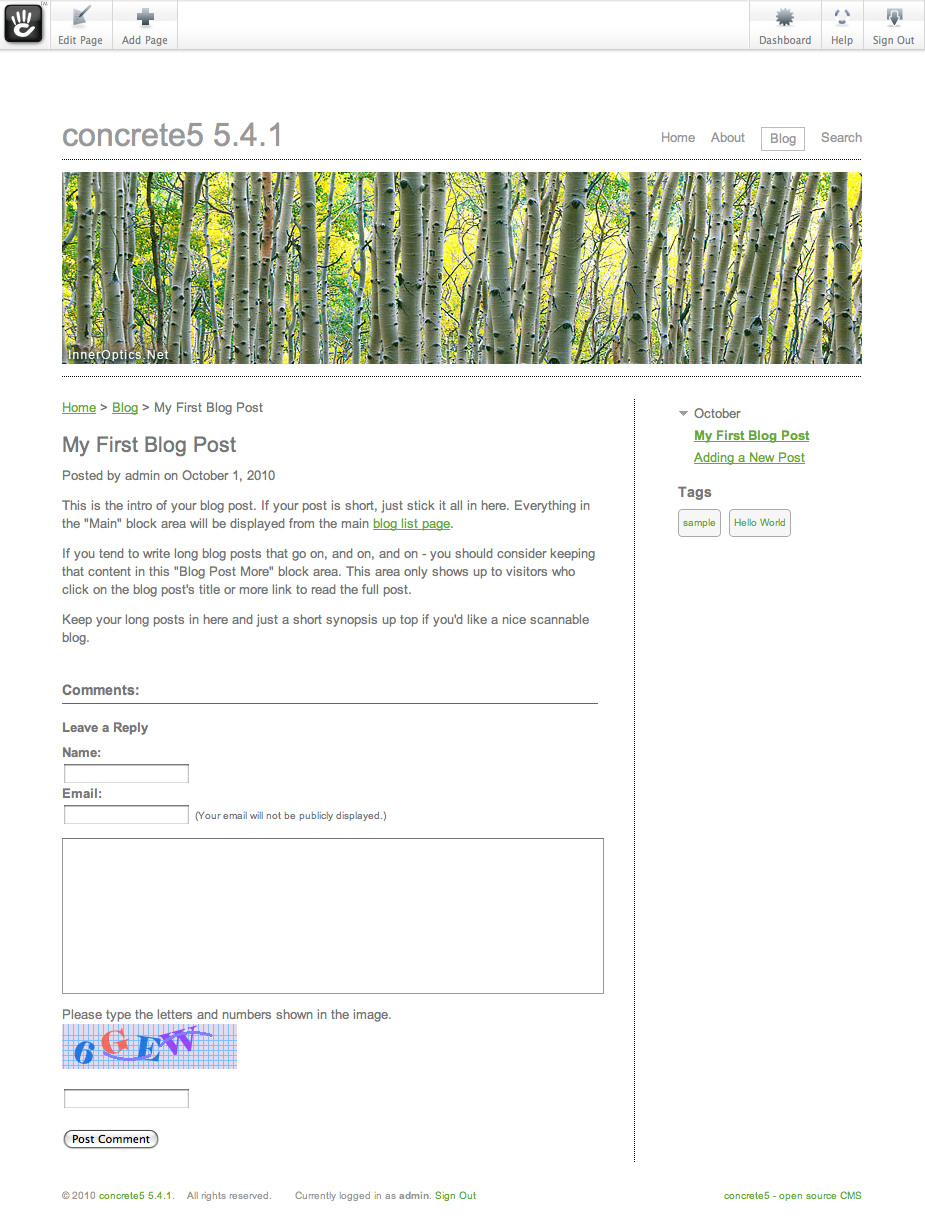
5.4.1 - Sample Content - Blog Functionality (1/2)
Description
In version 4.1 we're introducing some sample content that really highlights how concete5 can be used as a blog (in addition to all its other uses.)
Title
5.4.1 - Sample Content - Blog Functionality (2/2)
Description
In version 4.1 we're introducing some sample content that really highlights how concete5 can be used as a blog (in addition to all its other uses.)
Title
5.4.1 - Add Block (1/2)
Title
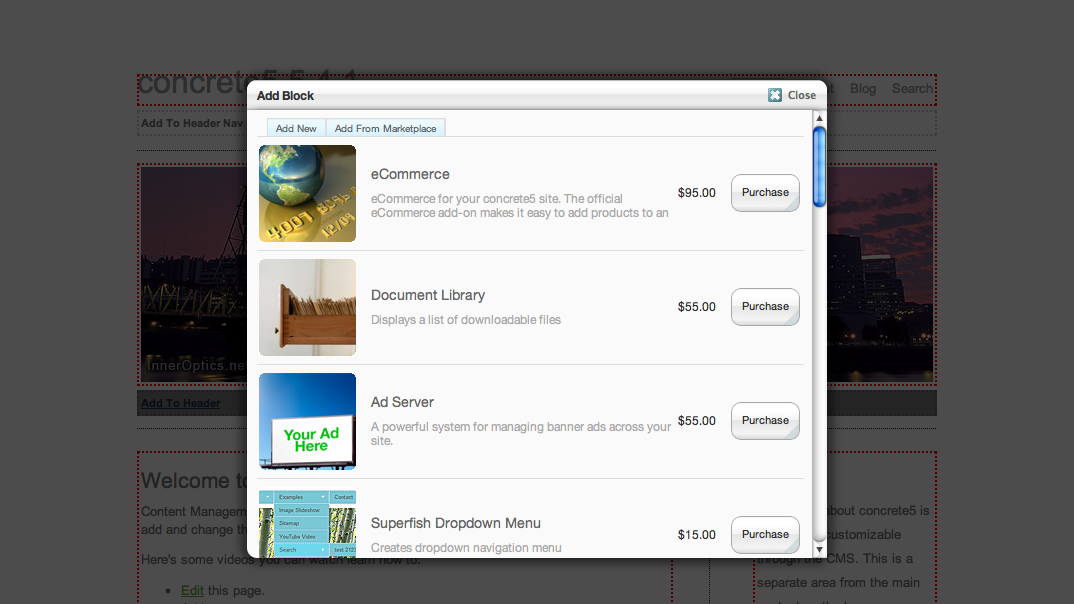
5.4.1 - Add Block (2/2)
Title
5.4.1 - Add Block - Connect to Community
Description
When adding an item from the marketplace, version 4 prompts you to connect your site to the community for seamless installations directly from within concrete5.
Developer Updates
From concrete5 1.0 to 4.1, we've added the following items:
- Multilingual Support, with developers contributing to over 10 languages. Multilingual support is available for the core and for any installed add-ons.
- Caching support
- Far better mail handling, including the ability to send HTML mail.
- Events for developers to hook into when building their own applications
- An even better MVC syntax
- A hosted, supported marketplace that earns developers real revenue, with over 275 add-ons and themes. We now offer solutions for eCommerce, forums, digital asset management, and much more.
- Even better ways for developers to build blocks, including the ability to include header stylesheets in pages dynamically and better block validation.
- Our interface has gotten even slicker, with AJAX-based block updating that doesn't force an entire page refresh
- A complete discussion system and bug tracking system on concrete5.org.
- Extensive developer documentation.
Thanks to all our users! Let me know what you think.
Andrew Embler has some tricks up his sleeve for September 30, 2012.